Web Apps

Past the login. Where the real attack surface lives.

A Security learns how your app actually works and attacks it like an adversary: multi-step, chained across the roles and tenants you give it. Then, it hands your developers the fix and attacks again until it holds.

get
demo
The platform

Map the App. Break It. Fix It.
Try to break It Again.

[1]

Discover

Offensive agents work your app as a team, starting from the same foothold an attacker gains through phishing or a leaked credential. From there, they map your attack surface, including the undocumented parts.

Get a demo
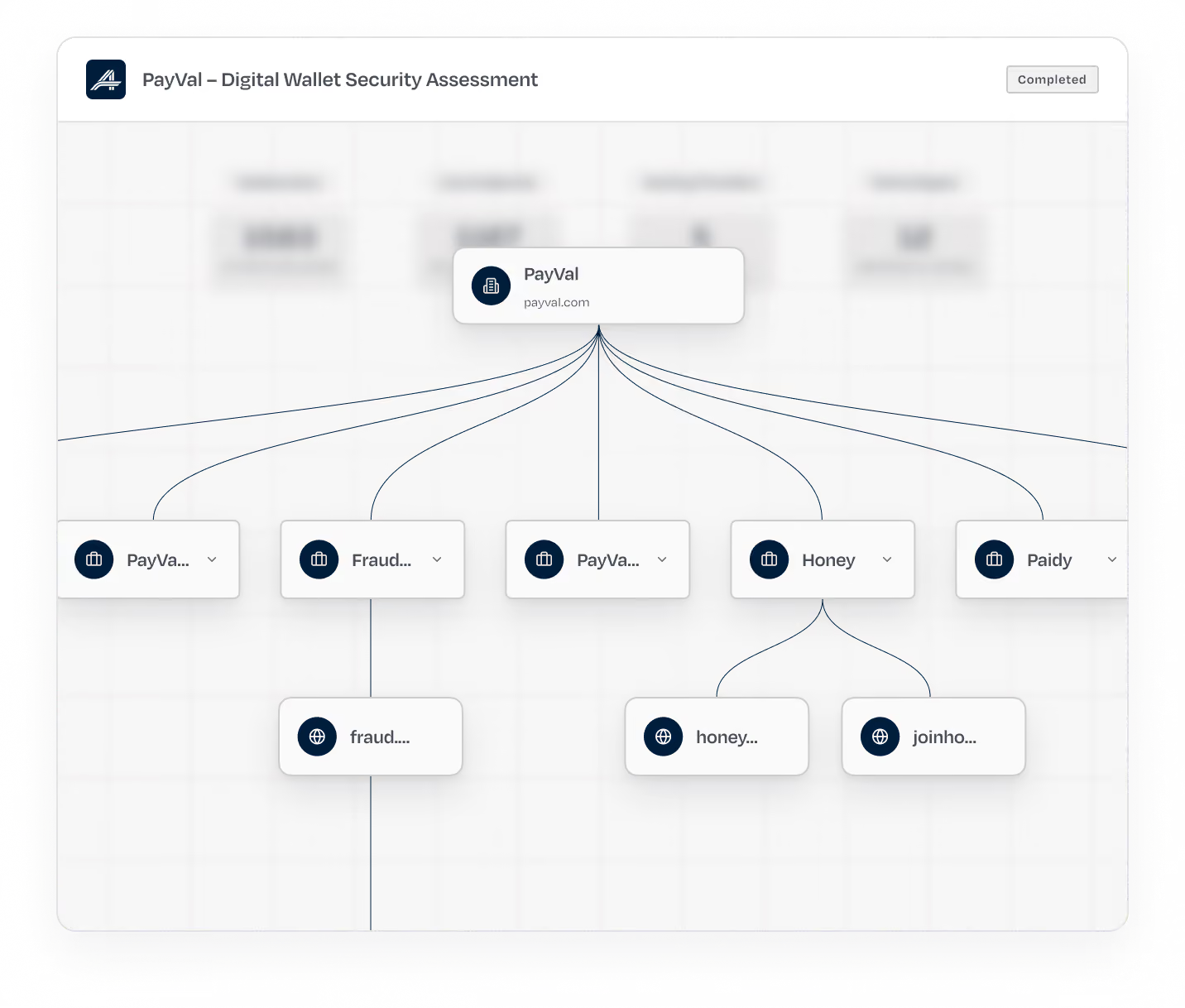
Diagram showing PayVal as the central node connected to several other nodes labeled PayVa..., Fraud..., PayVa..., Honey, and Paidy, with Honey connected further to honey... and joinho... nodes, alongside a sidebar menu with Preflight, Completed, Running statuses and sections Discovery, Planning, Exploitation, and Findings.
[2]

Plan

The shortest route from an unauthenticated stranger to your most sensitive data is ranked by what a real adversary would try first. You see the full plan before anything runs.

Get a demo
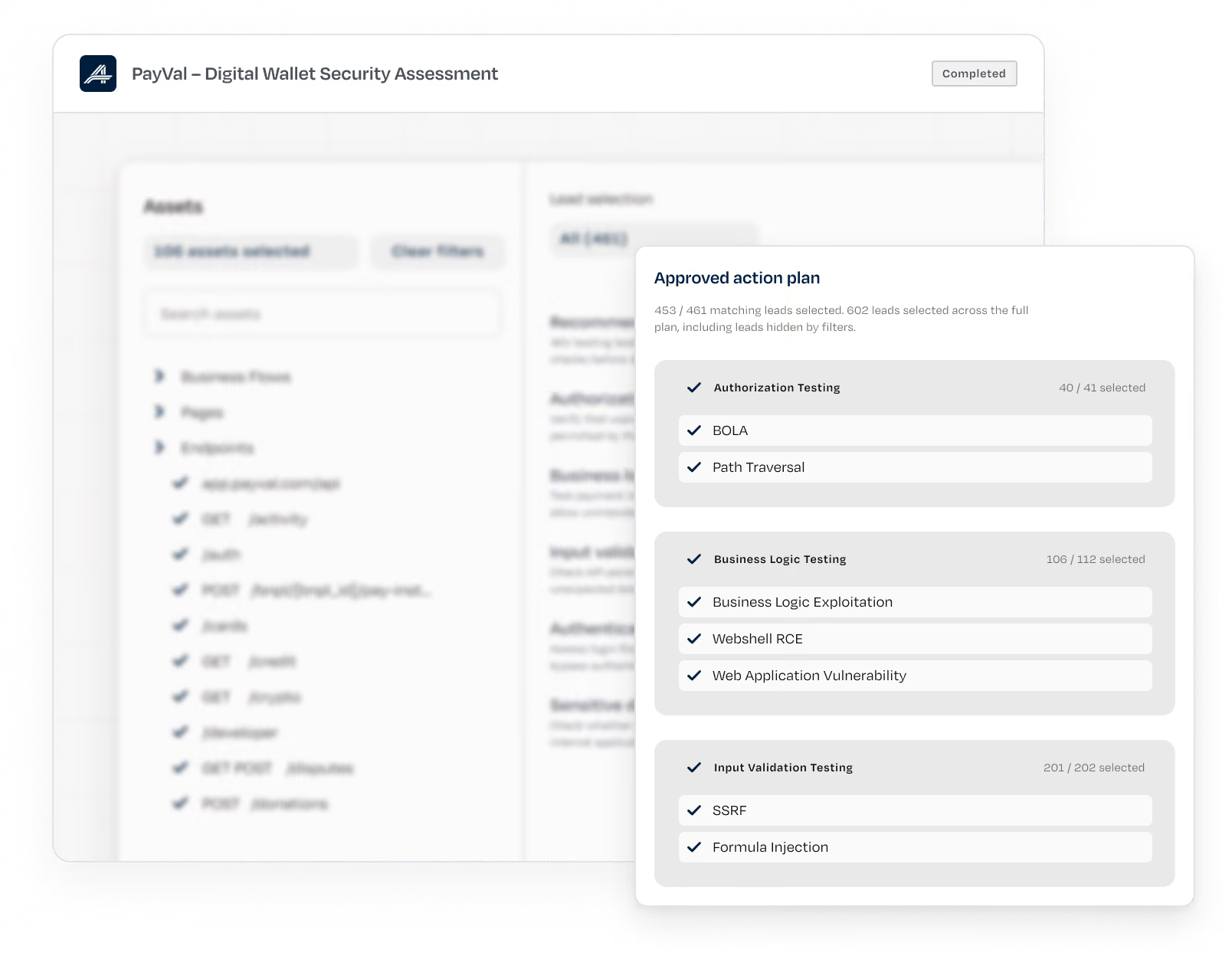
User interface of PayVal Digital Wallet Security Assessment showing progress categories: Preflight, Completed, and Running, with tasks like Discovery, Planning, Exploitation, and Remediation. The Planning task is active. An approved action plan lists selected tests under Authorization Testing, Business Logic Testing, and Input Validation Testing, including BOLA, Path Traversal, Business Logic Exploitation, Webshell RCE, Web Application Vulnerability, SSRF, and Formula Injection.
[3]

Exploit

The plan works in parallel: injection, authorization, privilege escalation, business logic. Verified attack paths are surfaced with blast radius attached with agent trace.

Get a demo
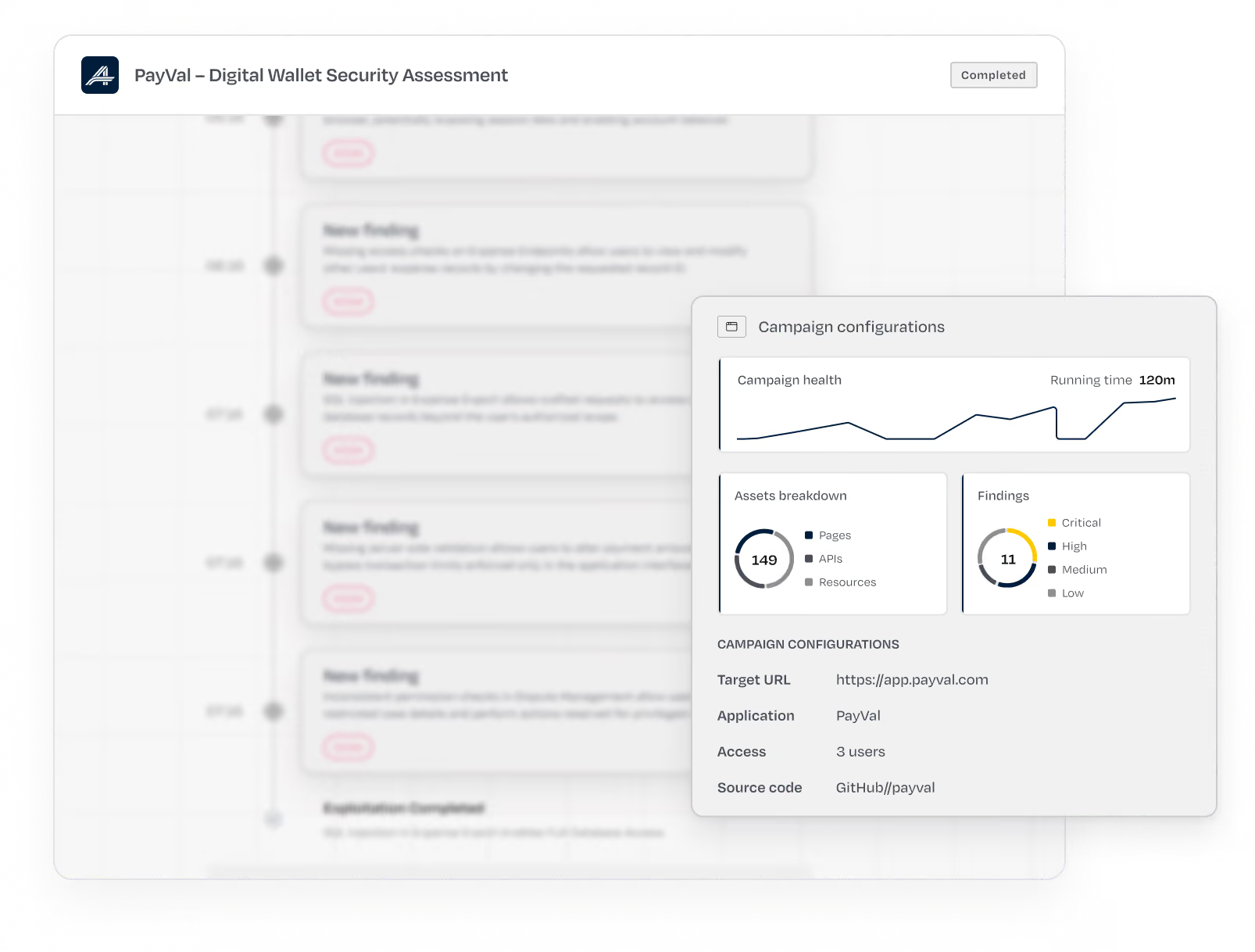
User interface of PayVal Digital Wallet Security Assessment showing a sidebar with sections Preflight, Completed (13), Running (3) with Running expanded to display Discovery, Planning, Exploitation with Exploitation loading, and Remediation. Main panel shows campaign progress with new findings and exploitation completed message. Another overlay displays campaign configurations with a line chart for campaign health, a pie chart showing assets breakdown (149 total across pages, APIs, resources), another pie chart showing 11 findings categorized as critical, high, medium, and low, and details including target URL, application name PayVal, access by 3 users, and source code link GitHub/payval.
[4]

Remediate

Every finding arrives with reproduction steps, blast radius, CVSS, CWE and OWASP mapping, and the fix. Send it to Jira or Linear in one click, or fix directly through your coding assistant.

Get a demo
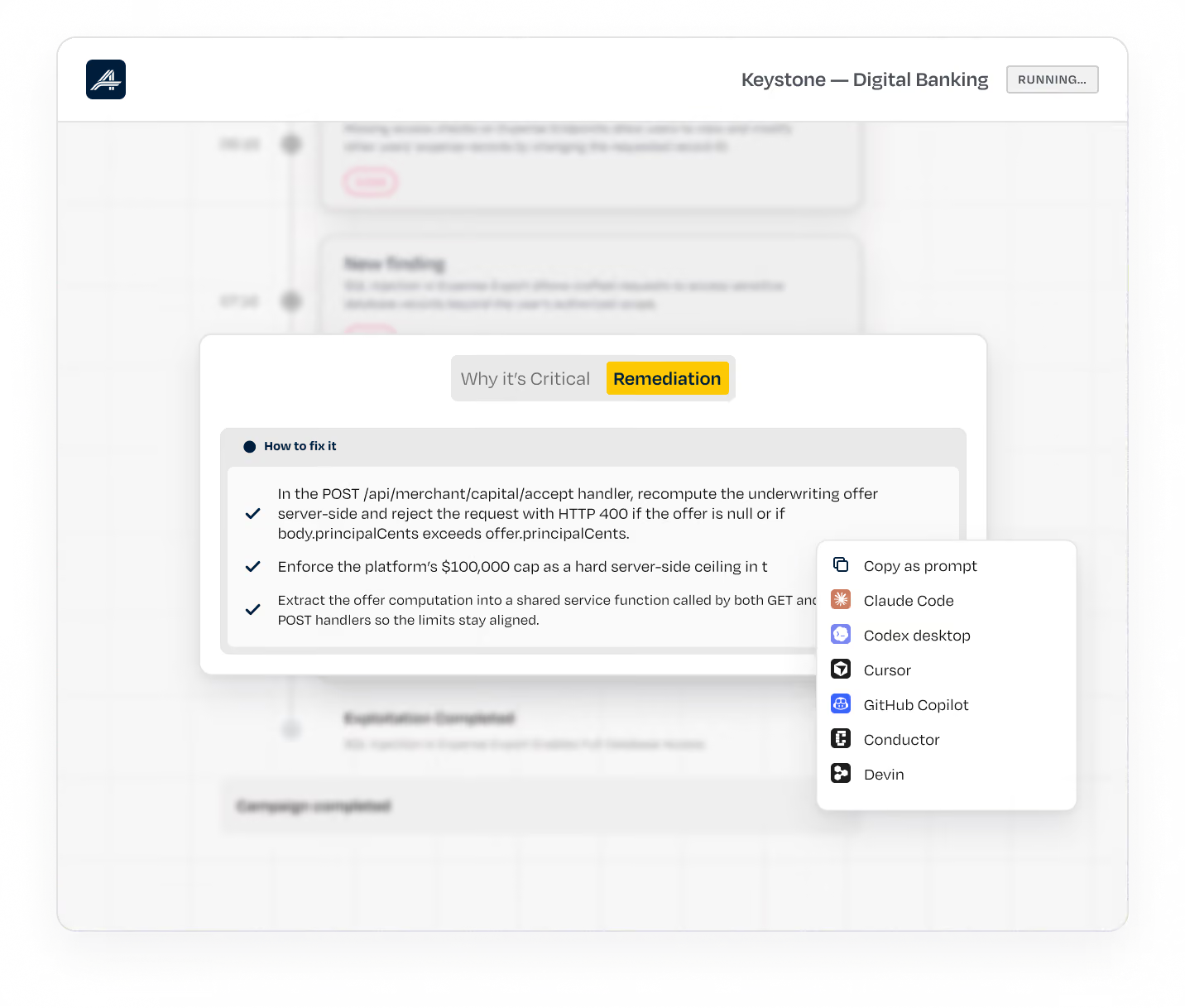
User interface screen showing a highlighted 'Remediation' tab with instructions on fixing API POST request issues, including recomputing underwriting offers, enforcing a $100,000 cap as server-side ceiling, and extracting offer computation to a shared service function, alongside a menu with options like Copy as prompt and GitHub Copilot.
[5]

Retest

Revalidation reruns the exact exploit after the fix, then tries to get around it. The loop closes only when A Security can no longer get in.

Get a demo
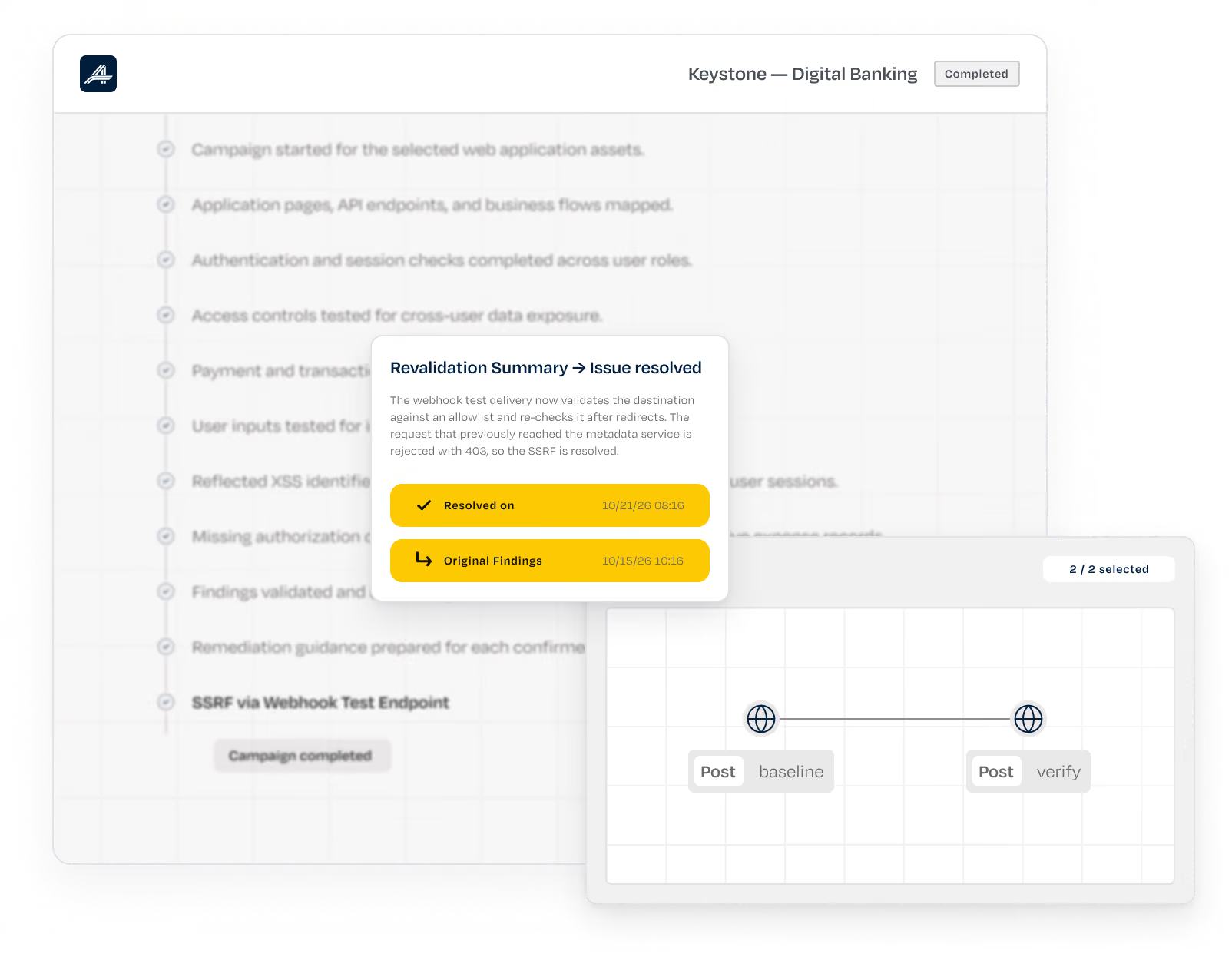
User interface screen displaying a digital banking campaign testing dashboard with a sidebar showing Preflight, Completed, and Running tasks, and test detail cards including a Revalidation Summary indicating issue resolved and timeline of findings alongside a workflow path with baseline and verify steps.

From Theories to Fixed Exploits

today
DAST and scanners flood AppSec with alerts nobody
can prove
Annual pentests skip the business logic attackers go after
Findings sit in a PDF until next year's test
with Ⓐ Security
Only findings proven with a working exploit reach
your team
Agents learn your workflows and abuse them like an
attacker, across the roles and tenants you give them
Every finding goes to your developers with the fix,
then gets retested until it's closed

Behind every attack
[01]

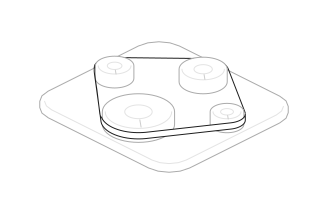
The Harness

100+ specialized agents, orchestrated through one engine that selects the right AI model and validates every result.
[02]

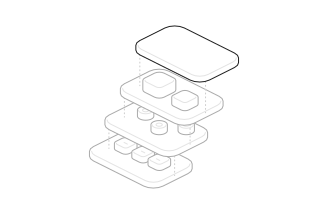
Knowledge Graph

Attack paths, business context, fixes, and retests build a persistent intelligence layer that integrates with your SIEM and SOAR.
[03]

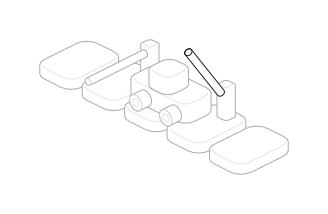
Real-World Authentication

Agents navigate SSO, OTPs, tokens, and custom authentication flows like real users.
[04]

Full Traceability 
& Coverage

Audit every agent action, reproduce exploits, and see exactly what was tested.
[05]

Source-Code-Aware Testing

Connect GitLab or upload code to trace findings to their source and test new commits.

Fixes become a part of work

Findings go to the tools your team already uses, with the fix attached. Nothing to install. Run it as SaaS or in your own cloud account on AWS, Azure or Google Cloud, on AI models you've approved.

Cursor icon
claude icon
Linear icon
Copilot icon
Slack icon
Jira icon
Gmail icon
Codex icon
Gitlab icon
And many more

Attacks production without breaking it

01

Safety dial

One dial sets how far the agents go: 
Passive, Cautious or Intrusive.

02

Every lead reviewed first

Each exploitation task is checked against your safety policy before it runs.

03

An independent judge

Every action that changes state is intercepted and judged on its raw mechanics. No agent approves its own actions.

04

Shared memory

Every object created during a test is tracked across agents.

05

A proxy the agents can't touch

Agent traffic runs through an independent network proxy.

06

Every intervention logged

Blocked actions can’t be retried with new wording, and every decision is logged for your auditors.

FAQ

Questions, answered

Straight answers on how continuous
validation works in your environment.

get
demo
01
How does A Security test web applications?
Web applications are one of the attack surfaces the A Security autonomous offensive security platform covers. Give it a URL and test accounts, and its offensive agents map your app's pages, APIs and business flows, exploit what an attacker could reach, and report only what they've proven. Every finding comes with evidence and a fix, and A Security retests until the path is closed.
02
Do we still need our DAST scanner?
Yes. Keep DAST where it's fast: in CI, gating each build in minutes. A Security runs deeper on a different clock, a full test in 12 to 16 hours, and proves what an attacker could do with the flaws a scanner can't see, like business logic and authorization across roles. Most teams run both.
03
Is it safe to run against production?
Yes, and most customers do. One dial sets how far the agents go: Passive, Cautious or Intrusive. Denial of service, data destruction and harm to your test accounts stay blocked at every setting, and no one can switch that off. An independent judge checks every action that changes state, and a kill switch is always there.
04
Can it test authenticated and multi-step flows?
Yes. Give the agents a login, plus extra test accounts if you want them to check whether one user can see another's data, and they handle email, SMS and OTP login, custom headers, cookies, soft tokens and SSO. Multi-step flows are learned in discovery and attacked stage by stage, with no test hooks or canary flags to add to your code.
05
How is this different from a human pentest?
A human tester tries 30 to 40 test cases on an endpoint and moves on. The agents run hundreds, in parallel, across your endpoints, each time the code changes. Keep your red team for adversary simulation and physical or social testing. A Security covers the application layer, continuously, giving your internal pentesting team an opportunity to get ahead of weaponized AI.
06
Does this satisfy our annual penetration test requirement?
Reports include an executive summary, methodology, findings with CVSS, CWE and OWASP mapping, and remediation, in the form SOC 2 and ISO 27001 auditors expect.
07
How long does a test take?
Discovery on a mid-size application takes a couple of hours, and a full test 12 to 16 hours, depending on the target. Large applications run 24 to 36 hours.
08
Can we run A Security in our own cloud, on our own models?
Yes. Bring your own cloud and bring your own model are generally available. The platform runs in your own cloud account on AWS, Azure or Google Cloud, even air-gapped, and every AI call goes to a model you've approved. Findings, credentials and logs stay in your account and region.

This Is Not a Drill

Point Ⓐ Security at one application with an AI feature. Within a day, you'll have the conversations, the impact, the fix, and the proof it worked.

get
demo